
Options Position
This setting refers to the Radio Field and Checkbox Field and defines the position in which the options will be placed in a line or in a column.
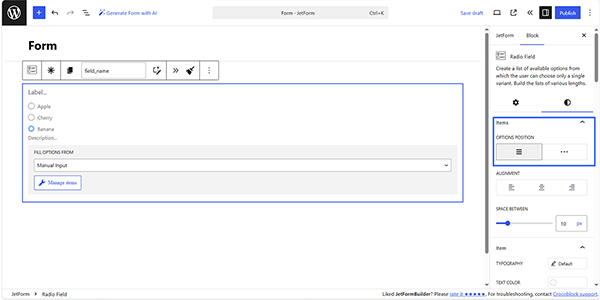
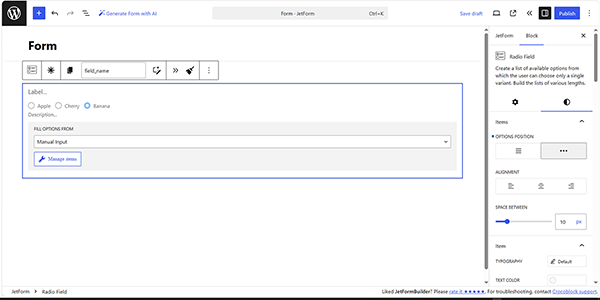
To set the needed position, move to the Styles block’s settings in the Items section. Here, set the needed position of the filters by pressing the needed OPTIONS POSITION buttons.
The left button, which refers to the column position, is set by default.
In turn, the right button defines the inline position of the filters.
FAQ
No. This setting only changes the visual arrangement of the options and does not change their values or labels.
No, it does not.
Yes. You can configure the position independently for each field according to the desired form layout.
That’s it. Now you know how to place the Radio and Checkbox Field options inline or in a column using the JetFormBuilder plugin for WordPress.